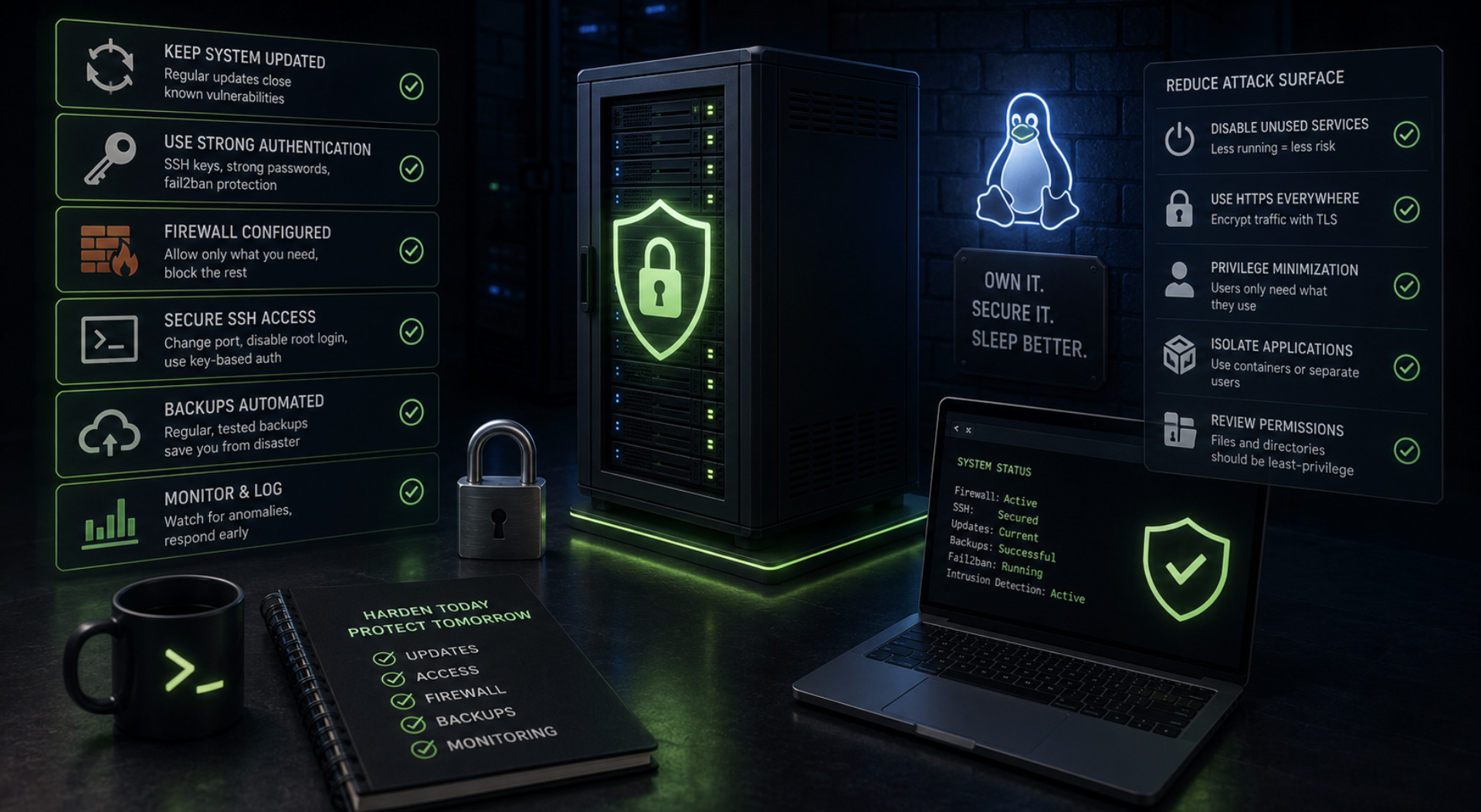
Keeping a Self-Hosted Linux Server Secure Behind a Control Panel
Running your own Linux server with an open source control panel is liberating. You control the stack, you avoid recurring licence fees, and you are not at the mercy of a hosting company's decisions. The trade-off is responsibility: the security that a managed provider handles quietly becomes your job. This is far less daunting than it sounds. Most real-world server compromises exploit a small set of well-known weaknesses, and closing them does not require deep expertise — just a methodical approach and the discipline to keep at it. This guide covers the hardening steps that remove the most risk for the least effort.
Security is layers, not a switch
The most useful mindset for securing a server is to stop thinking about it as a single lock and start thinking about it as a series of layers. No individual measure makes a server invulnerable, and chasing that illusion leads people to obsess over exotic threats while leaving the front door open. Real security comes from stacking sensible precautions so that a weakness in one layer is caught by another. An attacker who slips past one control still faces the next, and each additional barrier sharply reduces the chance of a successful breach.
This layered thinking also keeps your effort proportionate. The overwhelming majority of attacks against internet-facing servers are automated, opportunistic and unsophisticated — bots probing for default passwords, unpatched software and exposed services. They are looking for easy targets, not fighting through hardened defences. That is good news, because it means a server that handles the basics competently is dramatically safer than one that does not, without any need for advanced techniques. The goal is not to be impregnable but to be a harder target than the endless supply of soft ones.
Lock down access first
Access is where most breaches begin, so it is where hardening should start. If your server still allows password-based SSH logins, that is the single most valuable thing to change. Switching to key-based authentication and disabling password logins removes the entire category of brute-force and credential-guessing attacks that make up so much automated traffic. A private key is effectively impossible to guess in the way a password can be, and this one change quietly closes the door that most opportunistic attackers are rattling.
Several small measures compound the benefit. Disabling direct root login over SSH means an attacker must first compromise an ordinary account and then escalate, adding a step and a chance to be caught. Restricting who can log in, and considering a change to the default SSH port to cut down on background noise, further reduces exposure. A tool that automatically blocks addresses after repeated failed login attempts is worth installing, since it neutralises persistent guessing without any effort on your part. None of these steps is complicated, and together they harden the part of the server attackers reach for first.
Keep software current and minimal
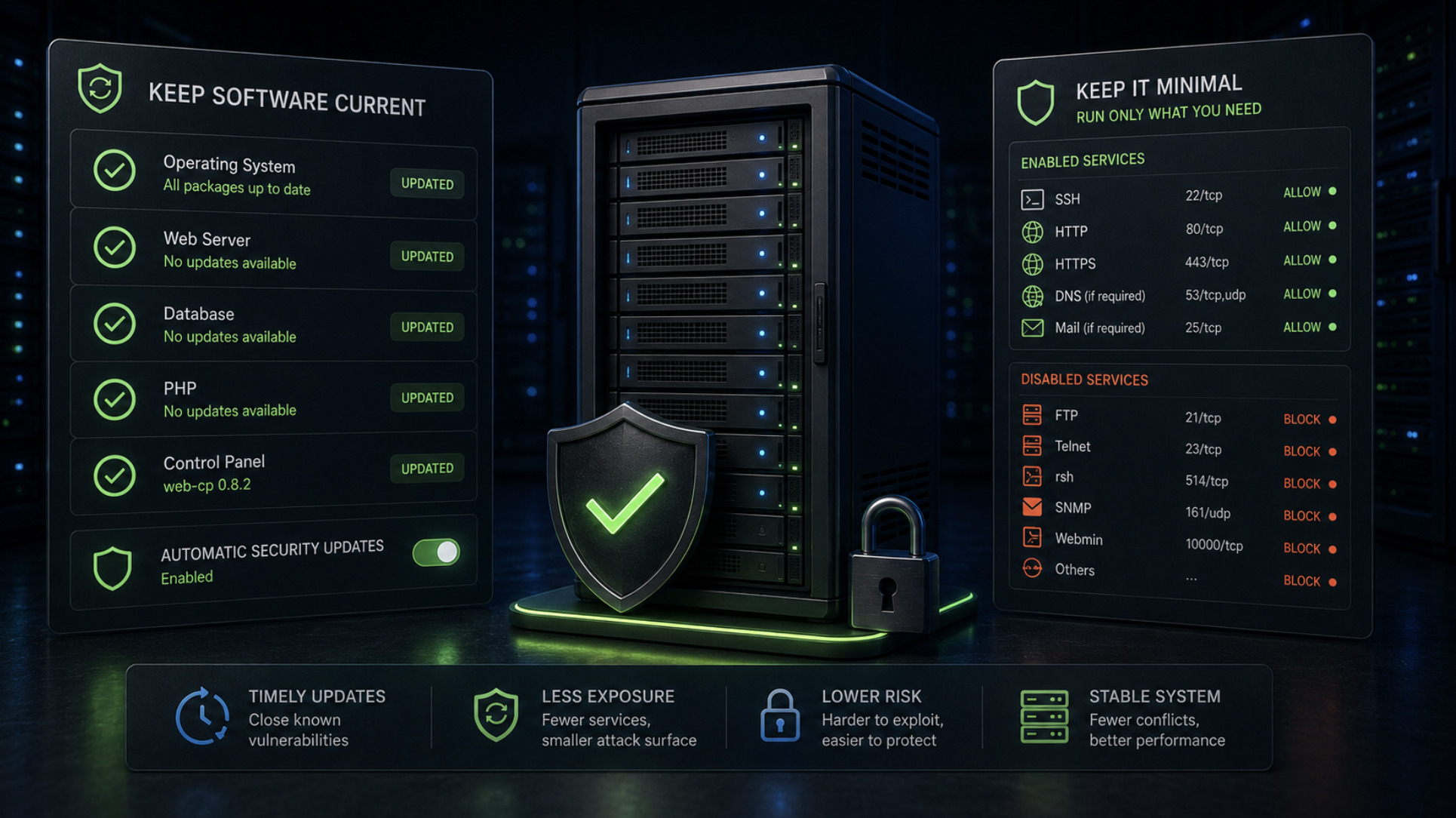
The second pillar of server security is almost embarrassingly simple: keep everything up to date. A large share of successful attacks exploit vulnerabilities that were fixed months or years earlier in updates the operator never applied. The window between a flaw becoming public and being exploited by automated tools is short, so timely patching is one of the highest-value habits you can build. Applying security updates to the operating system and to the services your control panel manages — the web server, database and PHP among them — is not glamorous work, but it prevents more incidents than almost anything else.
Running current software applies to your control panel as well. Open source projects issue security fixes, and a responsible operator applies them promptly; web-cp's own 0.8.2 release, for instance, was a security update, and the whole point of such releases is that they get installed. Alongside patching comes minimalism: every service you run is another potential way in, so anything you do not need should be disabled or removed. A server that exposes only the handful of services it actually requires presents a far smaller target than one cluttered with forgotten daemons left listening out of habit.
Build a wall and watch the door
With access and updates handled, the next layer is controlling what can reach the server at all. A properly configured firewall enforces a simple, powerful principle: deny everything by default and allow only the specific ports your services genuinely need. In practice that usually means opening the web ports, your chosen SSH port and the mail ports, and closing the rest. Databases in particular should almost never be reachable from the public internet; bound to the local machine and shielded by the firewall, they stay out of reach of the automated scanners constantly probing for exposed database ports.
Alongside the firewall, plan for the things that go wrong despite your precautions. Encryption in transit is now a baseline expectation, and free automated certificates make TLS straightforward — a control panel with built-in Let's Encrypt support, as web-cp provides, removes most of the friction from keeping sites on HTTPS. Just as important are backups you have actually tested by restoring them, because a backup you have never verified is only a hope. Reliable, tested backups turn a serious incident from a disaster into an inconvenience, and paired with basic monitoring of logs and resource usage they give you both a safety net and an early warning system.
Make it a habit, not a project
The final and most important point about server security is that it is ongoing rather than a task you complete once. New vulnerabilities are discovered constantly, and a server hardened perfectly today drifts toward risk if it is then ignored. The operators who stay secure are not the ones who did something clever once; they are the ones who built durable habits — patching regularly, reviewing access, checking logs and confirming that backups still restore. None of this demands much time when it is routine, but it demands consistency.
Framed this way, securing a self-hosted Linux server behind a control panel is well within reach of anyone willing to be methodical. Lock down access, keep software current and lean, control what can reach the machine, encrypt traffic, and keep tested backups — then keep doing it. That short list closes the doors that real attacks actually use. The freedom of running your own server is worth the responsibility that comes with it, and that responsibility, handled steadily, is far lighter than it first appears.